As digitalization gains momentum in the healthcare industry, patient expectations have also started to change. Today, many people prefer to book an appointment online within a few minutes instead of waiting on the phone for a long time.
For clinics, dentists, aesthetic centers, psychology counseling offices, physiotherapy centers, and private healthcare institutions, online appointment systems both improve operational efficiency and significantly increase patient satisfaction.
So how can a professional clinic appointment system be created using the WordPress infrastructure?
Why Use a WordPress-Based Appointment System?
WordPress is not only a content management system.
Thanks to its flexible structure, many professional modules can be developed, such as;
- clinic management
- patient registration system
- doctor management
- staff management
- online appointment booking
- calendar system
- reporting
- notification infrastructure
This allows both the website and the management panel to be used through a single platform.
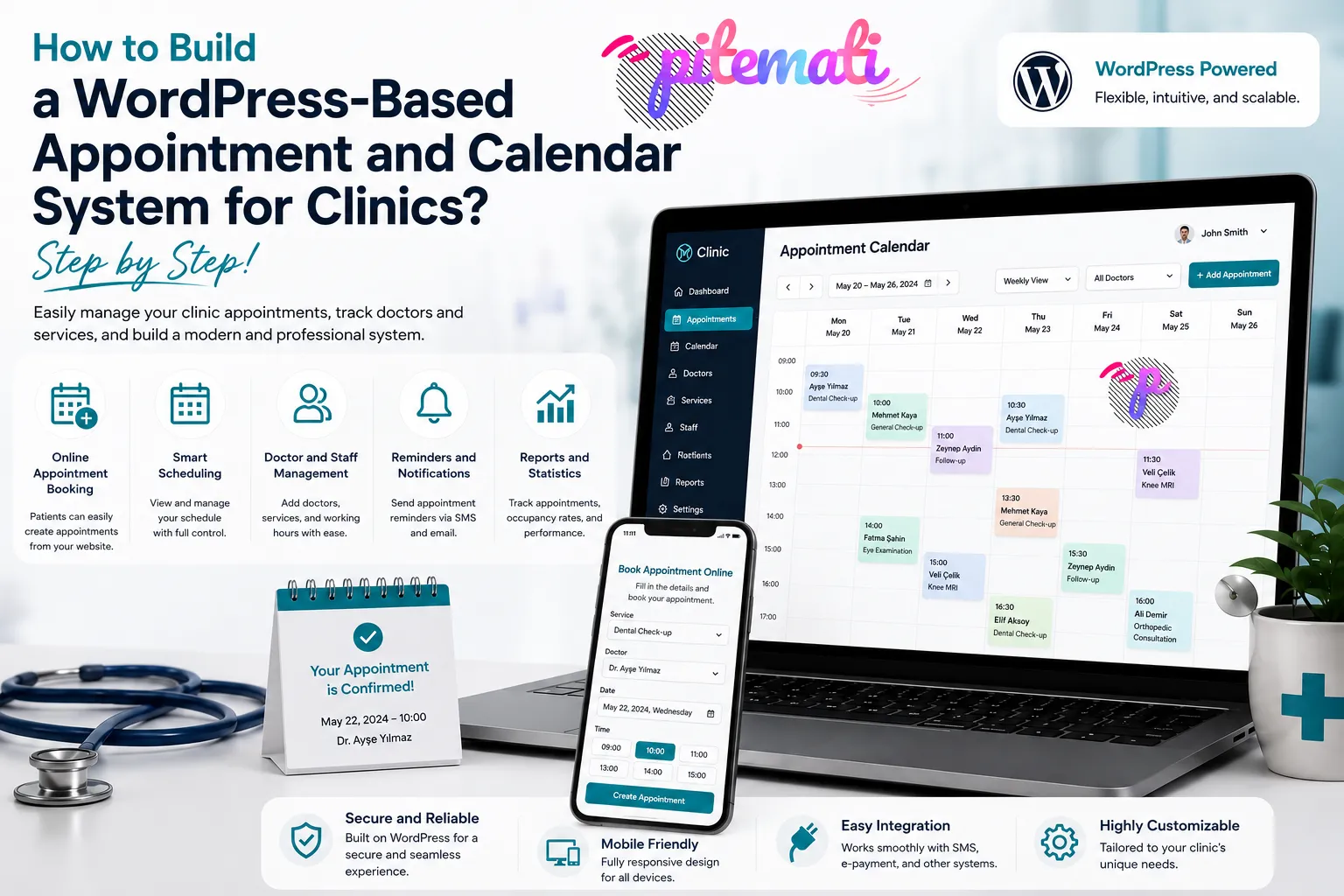
Online Appointment Booking
The most important feature of a modern appointment system is that patients can easily book appointments.
In a professional system;
- service selection
- doctor selection
- date selection
- displaying available time slots
- confirmation screen
can be completed within a single flow.
This significantly improves the user experience.
Doctor and Staff Calendar
Calendar management is highly important in clinics where multiple doctors work.
For each staff member;
- working days
- working hours
- days off
- break times
- special leave days
can be defined separately.
This prevents appointments from being accidentally created during unavailable time periods.
Preventing Conflicts
In a professional appointment system, two different patients should not be given appointments for the same time slot.
With smart scheduling;
- occupied time slots are automatically closed,
- conflicting appointments are prevented,
- service durations are taken into account,
- preparation and cleaning times can be included in the schedule.
This approach helps daily operations run in a more organized way.
Calendar Views
Different calendar views in the management panel provide great convenience.
For example;
- Daily view
- Weekly view
- Monthly view
- Filtering by doctor
- Filtering by service
allow administrators to follow the entire schedule from a single screen.
Patient and Service Management
Creating appointments alone is not enough.
A clinic management system also makes it easier to securely store information such as;
- patient records,
- contact information,
- service history,
- treatments performed,
- notes,
- appointment history
This makes it possible to quickly access patients’ previous procedures.
Reminder Notifications
Forgetting appointments can cause a loss of time for both clinics and patients.
For this reason, modern systems can automatically send;
- email notifications,
- SMS reminders,
- upcoming appointment alerts,
- cancellation and change notifications
automatically.
This feature helps reduce no-show appointment rates.
Management Panel and Reporting
A professional clinic system does not only create appointments.
It can also provide administrators with many statistics, such as;
- daily appointment count,
- doctor workload,
- service-based analyses,
- canceled appointments,
- pending approvals,
- completed procedures
These reports contribute to managing the business’s operational processes more efficiently.
Security and Authorization
The confidentiality of patient information is one of the most important issues in the healthcare industry.
For this reason, it is very important to use;
- user authorization,
- secure login mechanisms,
- regular data backups,
- access logs,
- secure data storage methods
within the system.
Mobile-Friendly Usage
Today, a significant portion of patients book their appointments from mobile devices.
Thanks to a system with responsive design, users can perform the same actions easily through;
- phones,
- tablets,
- laptops,
- desktop computers
with the same ease.
Who Is This Type of System Suitable For?
WordPress-based appointment and calendar systems provide a suitable infrastructure for many businesses, such as;
- Dental clinics
- Private polyclinics
- Psychology centers
- Physiotherapy centers
- Beauty centers
- Aesthetic clinics
- Veterinary clinics
- Dietitians
- Private practices
- Healthcare consulting centers
and many other service providers.
Conclusion
A WordPress-based appointment and calendar system plays an important role in the digital transformation process of clinics. Thanks to features such as online appointment booking, doctor and staff scheduling, smart calendar management, patient records, and reporting, operational processes become easier and the patient experience improves.
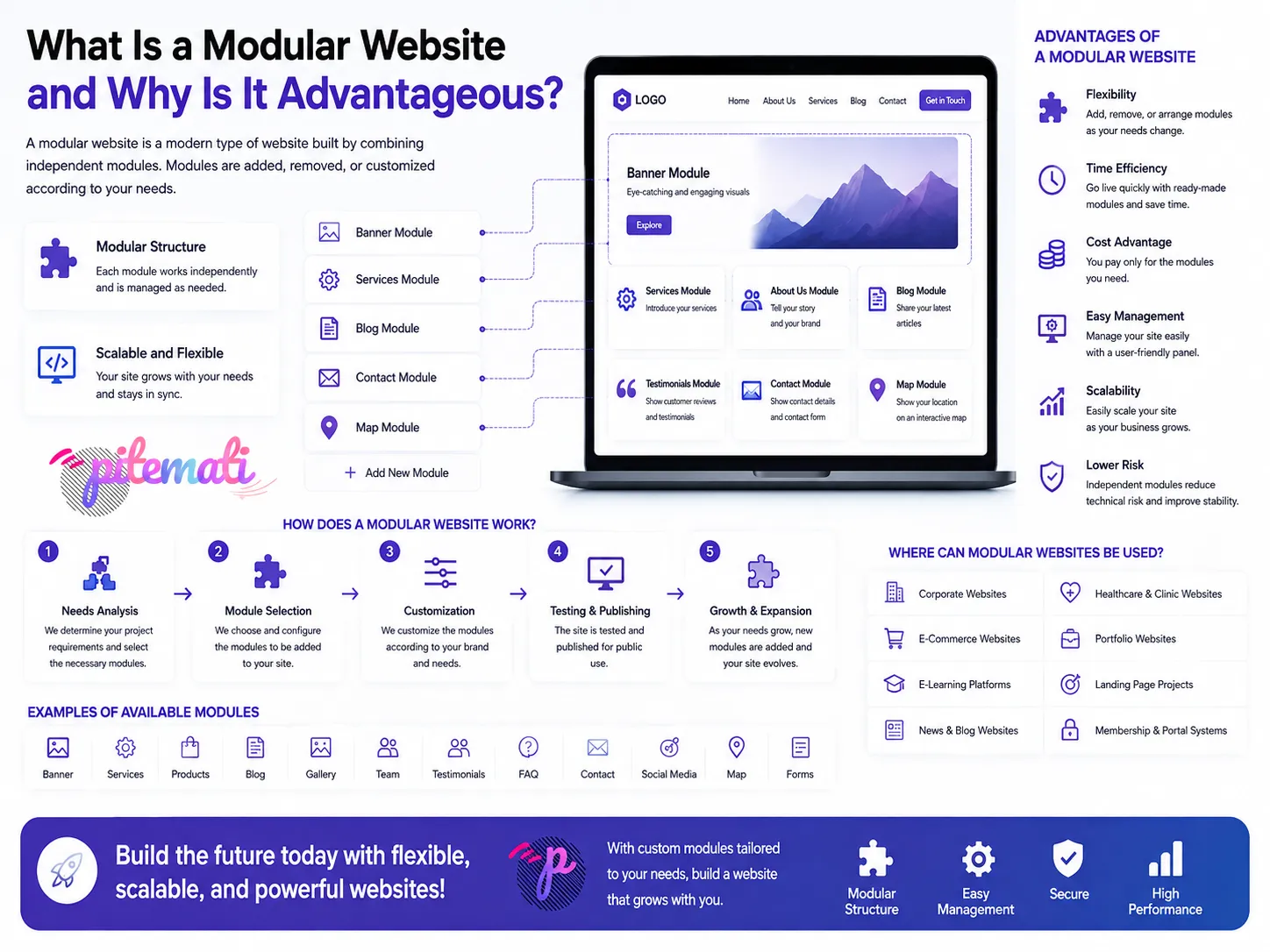
Thanks to its modular structure that can be developed according to specific needs, the system can be expanded with new features over time and easily adapted to the working model of different healthcare institutions. In this way, it becomes possible to create a reliable, flexible, and sustainable clinic management infrastructure in the long term.