Description
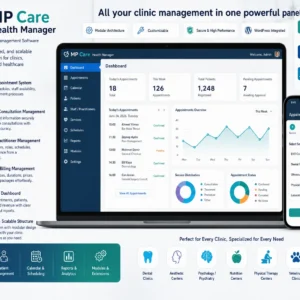
The structure we develop on the WordPress side goes beyond the classic "install a plugin, run it" approach. Depending on the project's needs, we build an infrastructure that integrates directly into the site, works with theme or system modules, can be managed in the admin panel, stores data with custom tables, and can grow with new modules in the future.The main advantage of this approach is control and flexibility. Every business has a different workflow. Standard plugins are often either too general or burden the system with many unnecessary features. The modular structure, however, only activates the necessary components. Areas such as patient management, appointments, accounting, invoice matching, multilingual content, WooCommerce pricing, product favorites, visitor analytics, export/import, admin settings, and content management can be developed according to need.
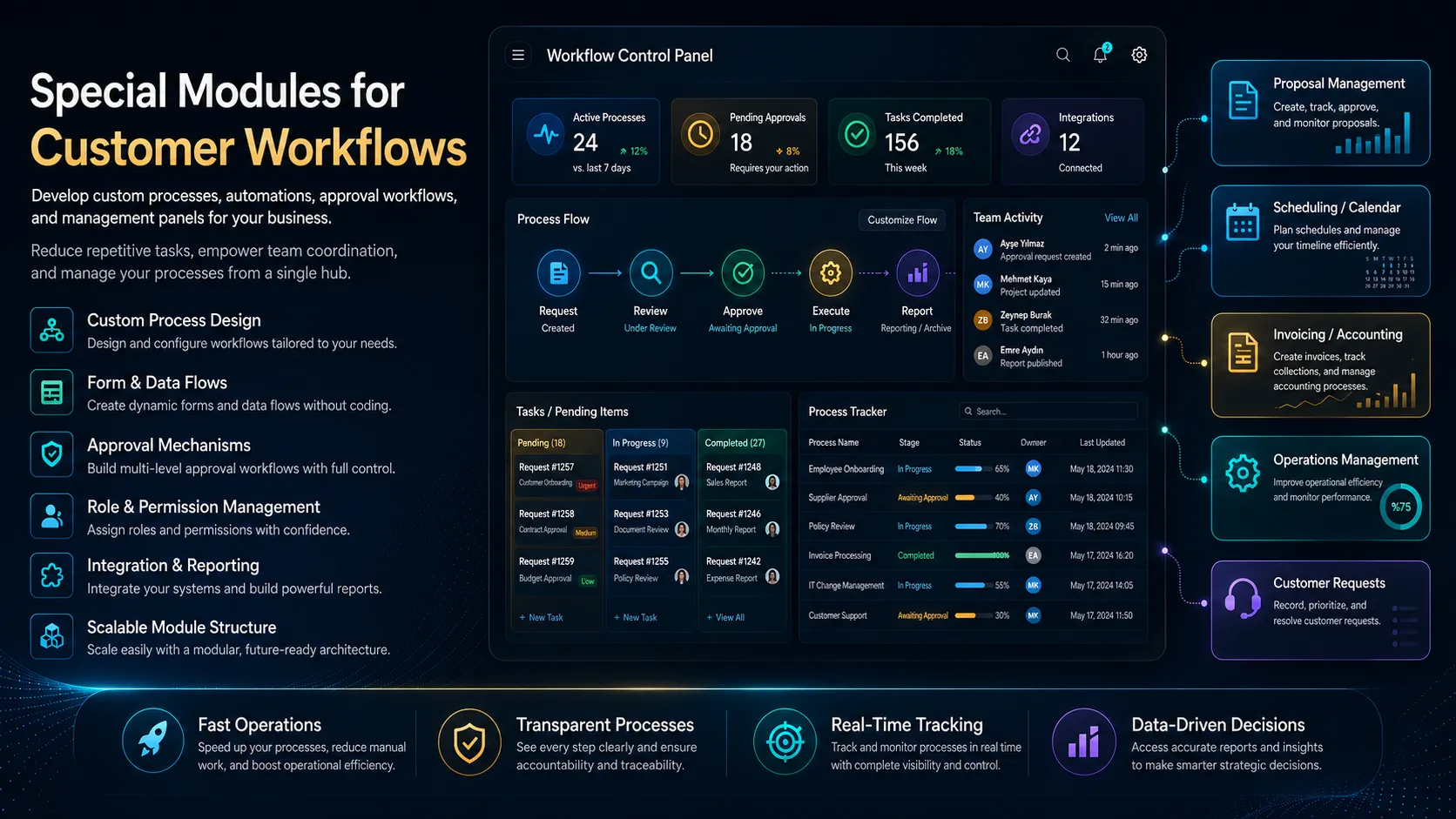
The modules developed in this system can have independent logic; however, they can work within the same admin panel, the same theme language, and the same project architecture. This provides both ease of maintenance and allows for faster addition of new needs.
Every business has its own unique workflow. Some businesses manage appointments, some match invoices and orders, some work with large product lists, some want to import PDF/Excel data into the system, and some build a multilingual content ecosystem. Standard plugins can meet some of these needs; however, often the processes aren't fully established.
This is where custom module development comes in. The business's current workflow is analyzed; questions such as what data is being entered, what data is being updated, what reports are needed, which users are using which screens, which processes are repetitive, and what points carry a risk of error are addressed. Then, a modular structure is prepared that digitizes this process.
For example, a business might have manually tracked price lists, Excel-managed inventory, PDF documents, customer records, payment tracking, or service appointments. These can be made more organized with custom admin screens, import/export tools, automated calculation fields, log records, and database tables.